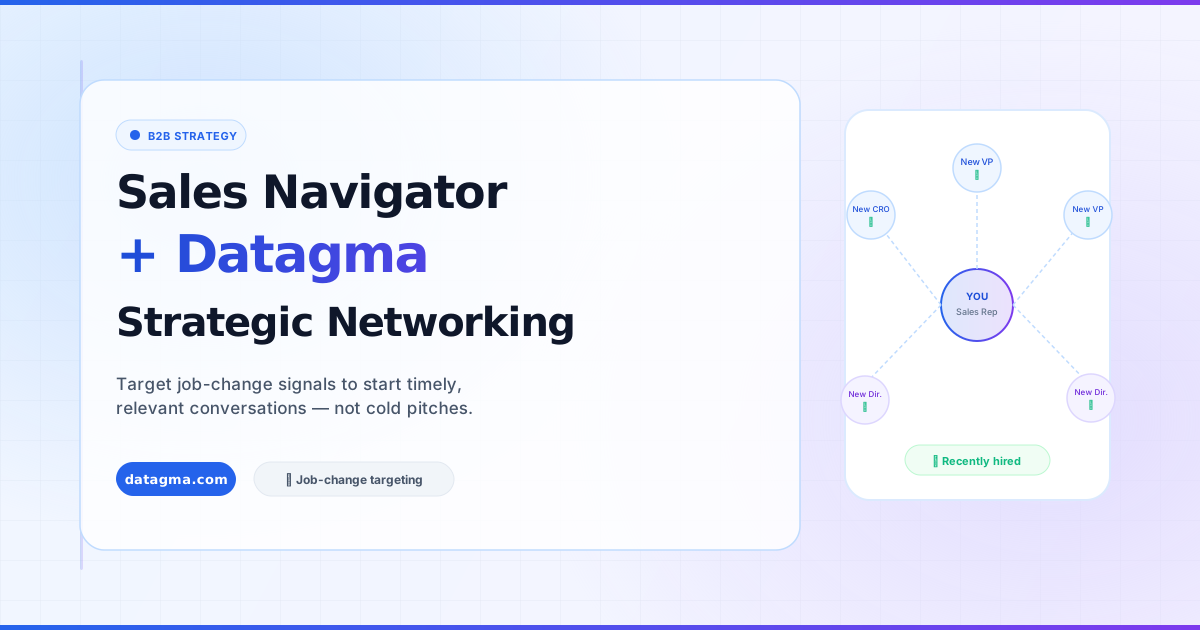
Leveraging Sales Navigator and Datagma for Strategic Networking
How to use Sales Navigator's job-change filter combined with the Datagma Chrome Extension to start meaningful conversations with decision-makers, not cold pitches.
On this page
Introduction
In modern B2B sales, the most effective outreach is not the loudest, it’s the most timely. Sales Navigator, combined with the Datagma Chrome Extension, gives you a precision tool for identifying professionals at the exact moment they’re most open to new conversations.
Targeting Recent Job Changes for Effective Prospecting
Focusing on individuals who have recently transitioned to new roles (new Vice Presidents, Chief Revenue Officers, newly appointed Sales Directors) is one of the highest-ROI prospecting strategies available.
These professionals are in a phase of proving their worth in their new role. They are:
- Evaluating existing tools and vendors
- Building or rebuilding their tech stack
- Open to fresh perspectives and connections
This openness makes them ideal for initiating meaningful conversations, not cold sales pitches.
Why Recent Job Changes Matter
Refreshing Perspectives
Individuals who have recently changed jobs bring fresh perspectives and are often more receptive to new ideas. Think of it as the early stages of a relationship, the window is open, and the right introduction at the right time creates a lasting impression.
A Non-Sales Approach
The goal of contacting these professionals is not to immediately sell something. It’s to initiate a conversation, acknowledge their new role, and establish yourself as a relevant contact. This builds rapport and trust, foundations for deals that close months later.
Streamlining with the Datagma Chrome Extension
The Datagma Chrome Extension transforms Sales Navigator from a research tool into an action platform. It lets you convert any Sales Navigator search directly into a CSV or Excel file, with all the data you need for enriched outreach.
Key Features of the Datagma Chrome Extension for Sales Navigator
Easy Conversion to Excel or CSV
One click while on any Sales Navigator search page converts the results into a structured file. No complex scraping setup, no cookies injection required.
Works with Searches and Contact Lists
The extension works on:
- Any standard Sales Navigator search
- Saved lead lists
- Account lists
Job Change Detection Module
A dedicated module identifies individuals who have recently changed roles, including:
- Former position, title, and company
- New job title and employer
- Recruitment date
This data is included in your export alongside standard profile information.
Enhancement with Datagma File Upload
Once you have your CSV, upload it to Datagma’s File Upload feature to enrich each profile with:
- Verified work email address
- Mobile phone number (when available)
- Company data (size, funding, technologies, headcount)
Your list goes from names and professional profile URLs to a complete, actionable outreach file in minutes.
Workflow Summary
- Define your audience in Sales Navigator, filter by title, geography, industry, and “Changed jobs in the last 90 days”
- Export to CSV using the Datagma Chrome Extension
- Enrich the file via Datagma’s File Upload to add emails and phones
- Outreach via email or direct call, personalized to their new role
- Track responses back in your CRM via Datagma’s HubSpot or Pipedrive integration
Who This Works Best For
This approach is most effective for:
- AEs and SDRs building pipe from a defined ICP
- Founders doing founder-led sales in a specific vertical
- Recruiters building a talent pipeline of recently-promoted candidates
- Consultants and agencies reaching new decision-makers at target accounts
Conclusion
The combination of Sales Navigator’s job-change targeting and Datagma’s enrichment capabilities creates a prospecting workflow that is both efficient and effective. By focusing on professionals at career inflection points and opening with genuine, personalized outreach, you can build a pipeline of warm, receptive leads, without sending a single cold blast.